

Purchasing & suppliers
Restaurant Vendor Management and Catalog Setup
How to keep supplier records and item data clean in Wox, from the vendors rs.ge creates for you to pack sizes and price history, so receiving and food cost stay consistent.
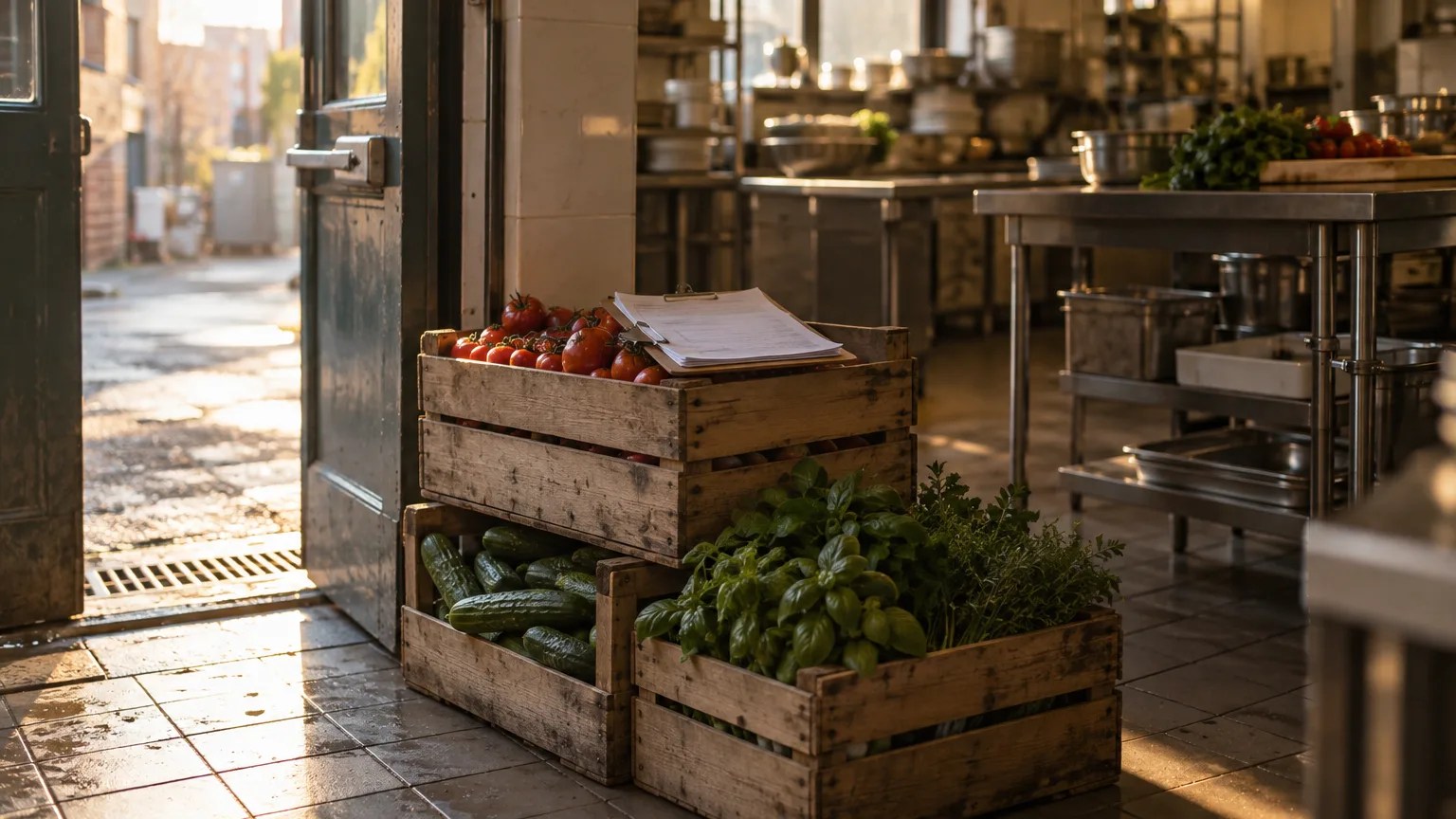
Every restaurant has the supplier who calls the day before, and the one who appears at the back door at 7:40 with half the order and a different brand of flour. The friction rarely comes from the people. It comes from data: a phone number that changed, a pack size nobody wrote down, a price that crept up over three deliveries before anyone looked.
This guide explains how vendor records work in Wox, how to clean up the vendors that arrive from rs.ge, how to define items, units, and pack sizes, and how to keep an eye on prices. For the product overview, see vendor management. For the wider supplier relationship, the journal piece on restaurant vendor management is a good companion.
Where vendor records come from
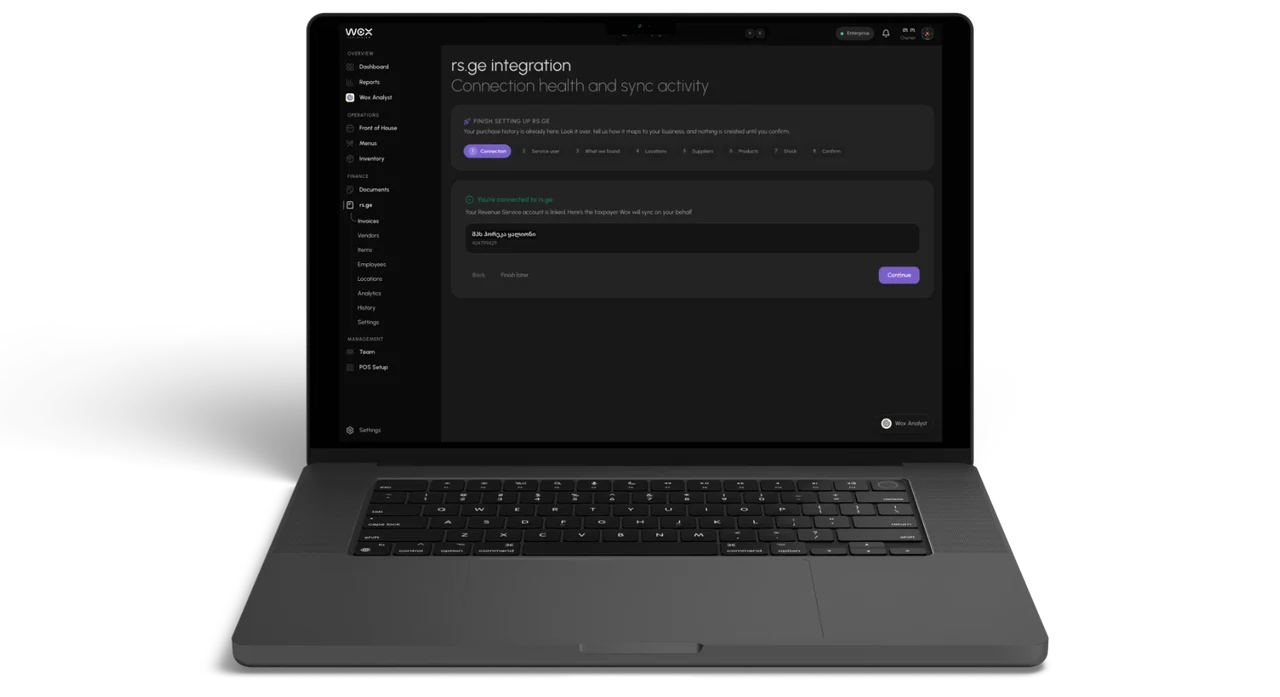
Vendors reach Wox by three routes. You can add one by hand. If you connect rs.ge, Wox reads twelve months of waybill history and then syncs nightly, creating a vendor for each seller it finds, with the seller's tax ID. And when you import a scanned invoice, Wox can create the vendor named on it.
Vendors created automatically are marked unverified until someone reviews them. That is deliberate. rs.ge knows a supplier's legal name, not the name your kitchen uses, and the same company can appear twice if it trades under two entities or someone added it by hand before you connected.
Who owns vendor data
- Purchasing lead: owns vendor contacts, order windows, and who to call when a delivery goes wrong.
- Operations manager: enforces item naming and category standards across every location.
- Receiving team: reports substitutions and price mismatches on the day they happen.
Review the vendors rs.ge creates
- 1Open the rs.ge screen in Wox and go to the Vendors tab.
- 2Check each vendor's name and tax ID against the supplier you actually work with.
- 3Merge duplicates into one record so their history and prices stay together.
- 4When you merge, keep the record your team already knows, so history stays under the name people recognise at the back door.
By default, waybills wait for your review before anything reaches stock. Once a supplier's waybills arrive clean month after month, you can let that vendor's waybills import automatically and keep review for the rest. The full rs.ge flow is described on the rs.ge integration page.
Complete each vendor profile
A vendor record in Wox holds more than a phone number. It carries the contact's phone and email, the channel they prefer, the address, delivery days, the order cutoff time, lead time, minimum order, payment terms, and free notes. Each of those fields answers a question someone would otherwise ask the owner.
- 1Complete each vendor profile with the main contact's phone and email and the channel they prefer.
- 2Add a backup contact name and number in the notes, for the morning the sales rep does not pick up.
- 3Record delivery days, the order cutoff time, lead time in days, and the minimum order.
- 4Add payment terms and any receiving constraints, such as deliveries only before 11:00 through the side entrance.
Normalize items, units, and pack sizes
This is the slow part, and the one that pays back most. Stock is counted in units, but vendors sell in packs. One supplier sells sunflower oil as a case of twelve 1 L bottles, another as a 5 L can. If those are not defined, a count of 40 litres and a delivery of 3 cases cannot be reconciled without a calculator and a guess.
- 1Normalize item names, units, and categories using the organization's naming standard.
- 2Set the unit each item is counted in, such as kilograms, litres, or pieces.
- 3For each vendor item, record the pack size, the minimum order quantity, and the order increment.
- 4Note whether the vendor's prices include 18% VAT, so cost reports compare like with like.
Link items to vendors and plan substitutes
An item can be linked to more than one vendor. That matters on the day your usual sulguni supplier is short: the second source is already set up, with its own pack size and price, and nobody has to create anything in a hurry.
- 1Link each item to every vendor that supplies it, starting with your preferred source.
- 2Record acceptable substitutes for key items in the vendor notes, such as another brand of flour of the same grade.
- 3Tell the receiving team which substitutions they may accept without calling a manager.
Watch prices every week
Vendor prices in Wox are kept as a history with effective dates, so a new price never overwrites the old one. Imported invoices add the prices you actually paid, and rs.ge waybills keep a priced record of every delivery. That history is what lets you see a slow drift before it shows up in the month's food cost.
- 1Each week, review prices for your top-moving items, usually meat, dairy, oil, and flour.
- 2Compare the latest price paid with the previous one and with your second vendor for the same item.
- 3Log approved price changes and flag unexplained increases to the purchasing lead.
Wox Analyst can shorten this. Ask which supplier prices rose most this month and it answers from your live data, including rs.ge, in Georgian or English. If a dish's margin has slipped, it can propose a new price, which changes only after you confirm. The price variance guide covers the reporting side.
Most vendor problems are data problems that arrive by truck.
Some suppliers keep their own catalog and prices up to date through the Wox vendor portal. If yours do, the vendor portal guide explains what they see and maintain on their side.
What good looks like
- The team builds orders quickly because item details are accurate.
- Vendors receive clear requests and make fewer follow-up calls.
- Price changes are visible early, so margin decisions are made before the month closes.
Common mistakes and how to fix them
Duplicate items in the catalog. They split the price history and confuse counts. Search for duplicates once a month, merge what is the same, and archive what is no longer bought.
Outdated vendor contacts. Sales reps change more often than suppliers do. Check contacts during the same monthly review.
Price changes nobody owns. If everyone is responsible for watching prices, no one is. Assign one person to the weekly price review.
Questions people ask
Does Wox create vendors automatically?
Yes. Connecting rs.ge creates a vendor for each seller found in your waybills, and importing a scanned invoice can create the vendor named on it. These vendors are marked unverified until you review them.
What if the same supplier appears twice?
Merge the two records on the rs.ge screen. The merged vendor keeps the combined history and prices.
How do I see when a supplier raises prices?
Vendor prices are stored as a dated history, imported invoices add the prices you paid, and rs.ge waybills record each delivery with its price. Review your top-moving items weekly, or ask Wox Analyst which prices rose most.
Can suppliers update their own catalog?
Suppliers who use the Wox vendor portal can maintain their own items and prices there. The vendor portal guide explains how it works.
Can I order from vendors inside Wox?
Supplier ordering in the web app is being switched on in stages and may not be active in your workspace yet. The purchase orders guide describes how the flow works.
Related guides
Restaurant Purchase Order Management
A guide to creating, sending, receiving, and reconciling restaurant purchase orders to keep food costs as a percentage of sales on target.
Food Supplier Marketplace and Vendor Discovery
How to browse the food supplier marketplace, discover new vendors, compare vendor catalog pricing, and subscribe to catalogs.
Food Cost Variance and Price History Analysis
How to track supplier price changes over time and use food cost variance analysis to protect restaurant margins.
Background reading
How to Negotiate Better Prices with Restaurant Food Suppliers
Ingredient costs are the largest controllable expense for most restaurants, typically consuming 28% to 35% of revenue. Even small improvements in supplier pricing have an outsized impact on profitability. A 3% reduction in food cost for a restaurant generating $1 million in annual sales translates to $30,000 in additional profit—a meaningful sum in an industry where average net margins are 3% to 5%. This guide covers the strategies, tactics, and preparation needed to negotiate effectively with food distributors and suppliers.
Manual vs. Automated Restaurant Procurement: A Complete Comparison
Every restaurant must purchase ingredients, but the method of procurement varies enormously. Some operators still place orders by phone, track costs in spreadsheets, and reconcile invoices by hand. Others use automated platforms that generate purchase orders from inventory data, scan invoices with AI, and track vendor pricing in real time. The difference between these approaches is not theoretical—it shows up in food cost percentage, labor hours, data accuracy, and profitability. This article compares the two approaches across every dimension that matters to restaurant operations.
Restaurant Vendor Management: Building a Reliable Supply Chain
Independent restaurants typically work with three to seven vendors, ranging from broadline distributors to specialty suppliers to local farms. Managing these relationships—negotiating prices, tracking deliveries, resolving quality issues, comparing options—is one of the most time-consuming and consequential responsibilities in restaurant operations. A well-managed vendor network reduces cost, improves quality, and protects against supply disruptions. A poorly managed one leads to hidden overcharges, inconsistent quality, and operational disruption when a key supplier fails. This guide covers how to evaluate, manage, and optimize restaurant vendor relationships.
The feature behind this guide
Restaurant vendor management, centralized
Vendor catalogs, supplier onboarding, and performance tracking in one place