
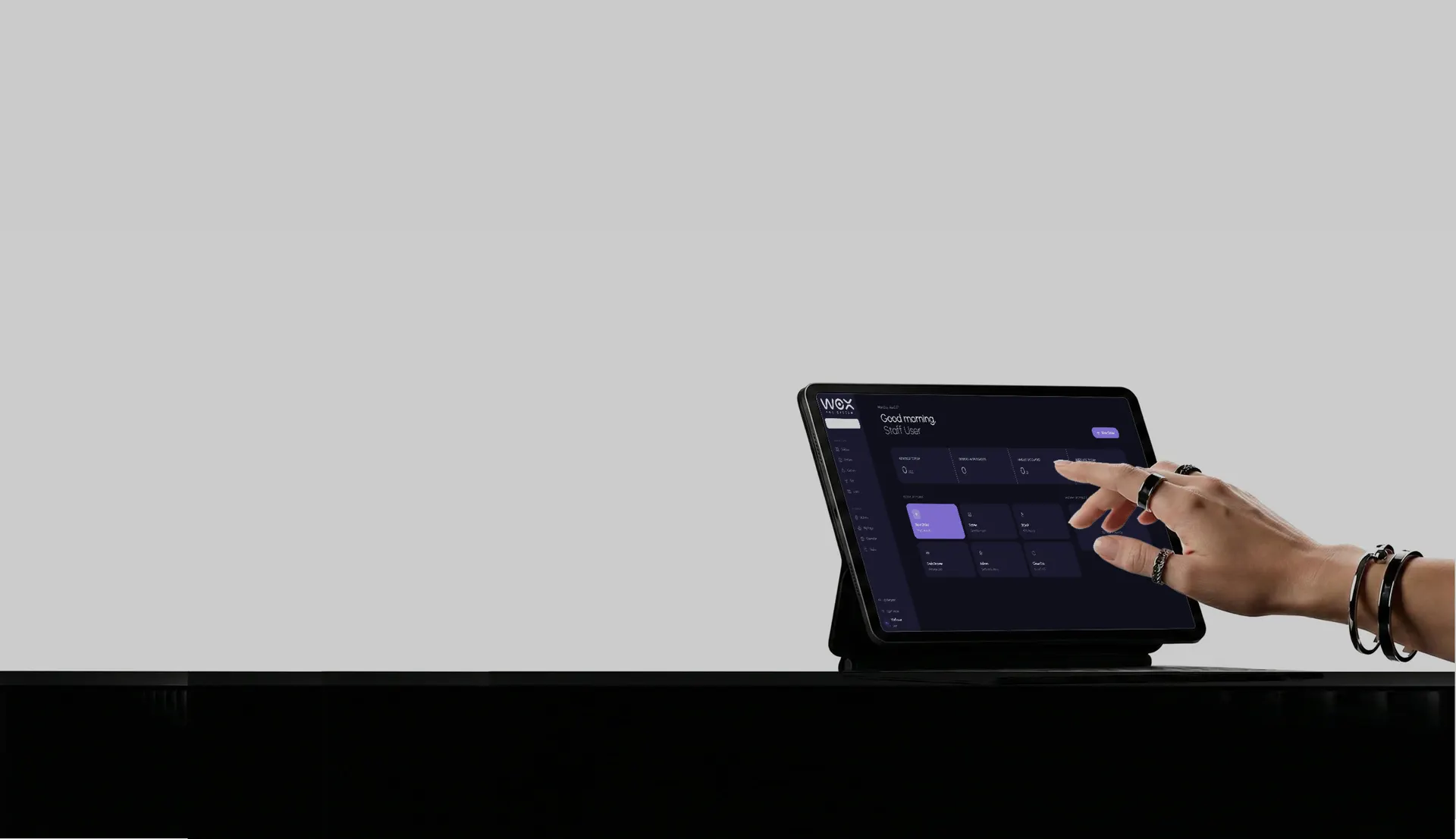
Restaurant management software for POS, inventory, and daily operations.
One Wox, four surfaces.
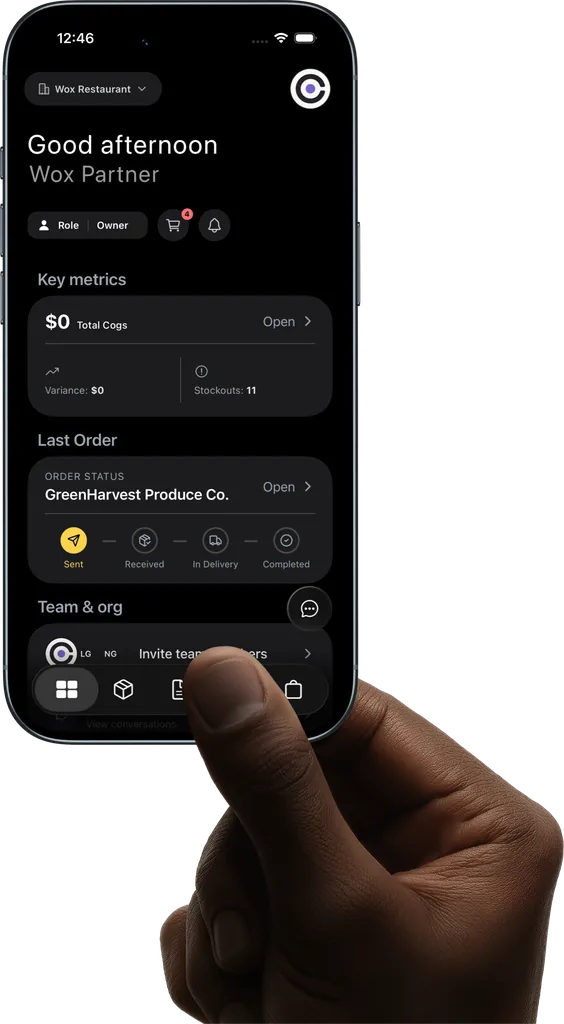
POS, mobile, web, and a supplier portal on one live data feed. A sale at 8:03 PM is on the owner's dashboard at 8:03 PM.
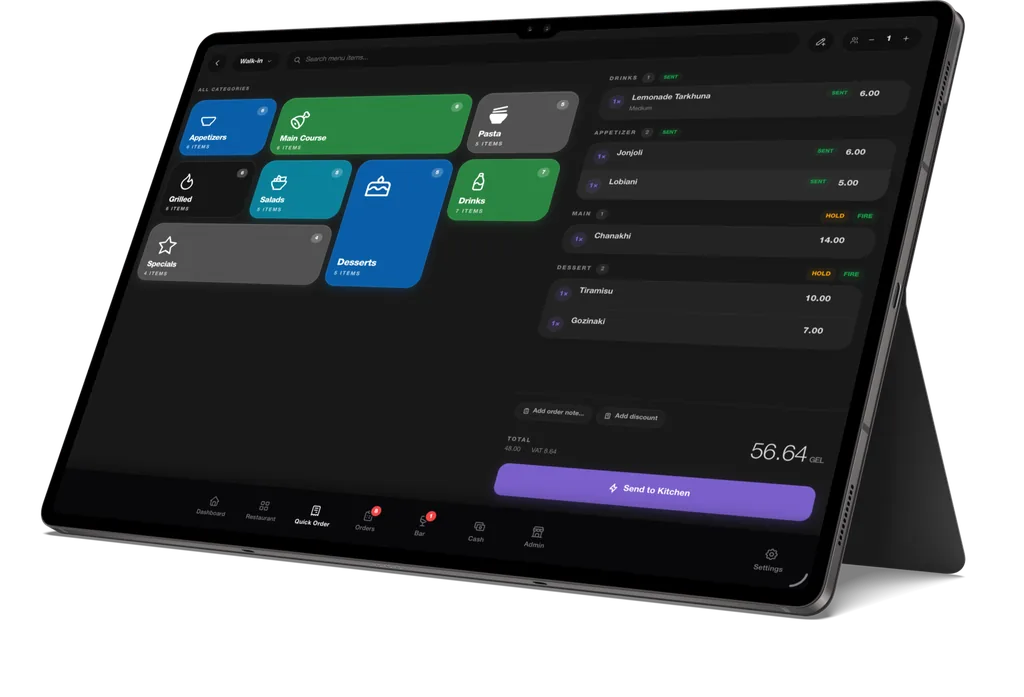
POS Terminal
Front of house & kitchen
Order entry · Floor map · Course firing · Payments · KDS · Cash drawer
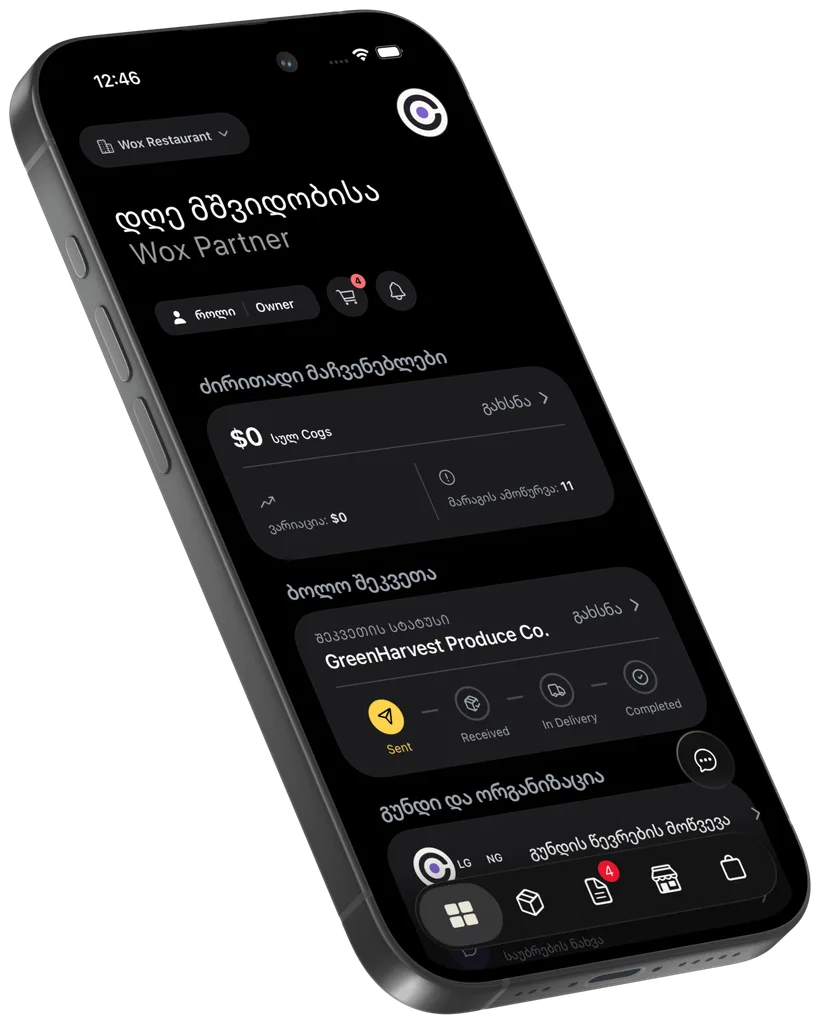
Mobile App
Managers on the move
Counts · PO approvals · Receiving · Invoice scan · Team chat · AI assistant
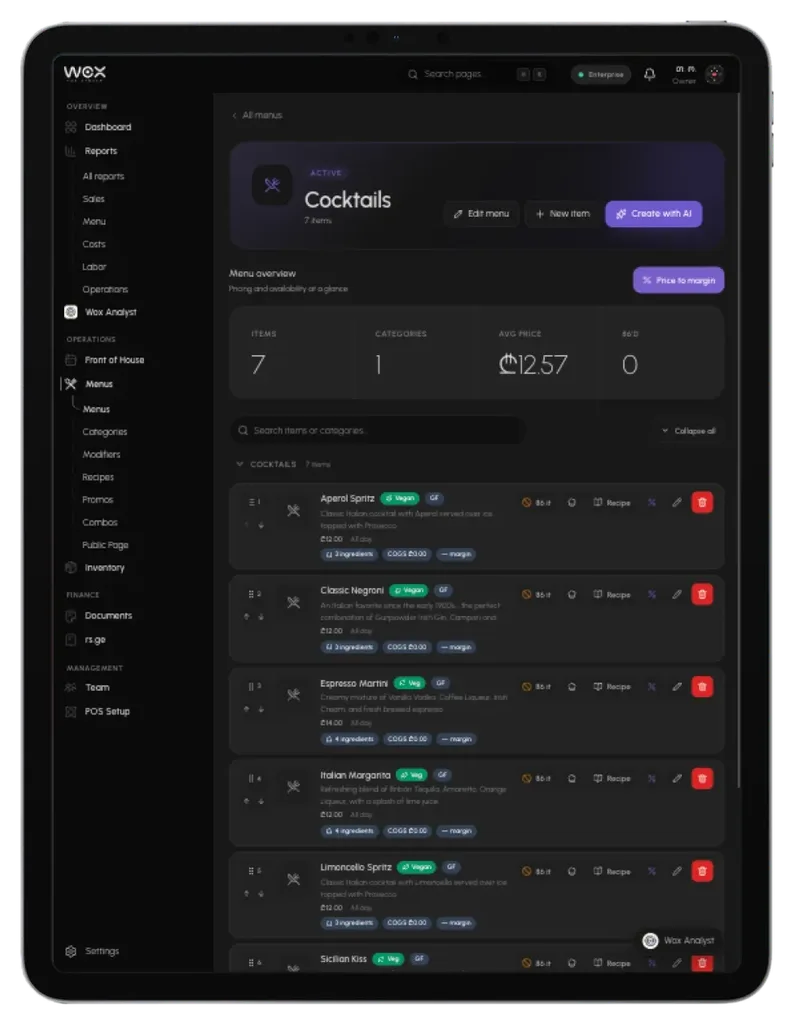
Web Dashboard
Owners & head office
Multi-location reports · Vendor management · Analytics · Billing · AI assistant
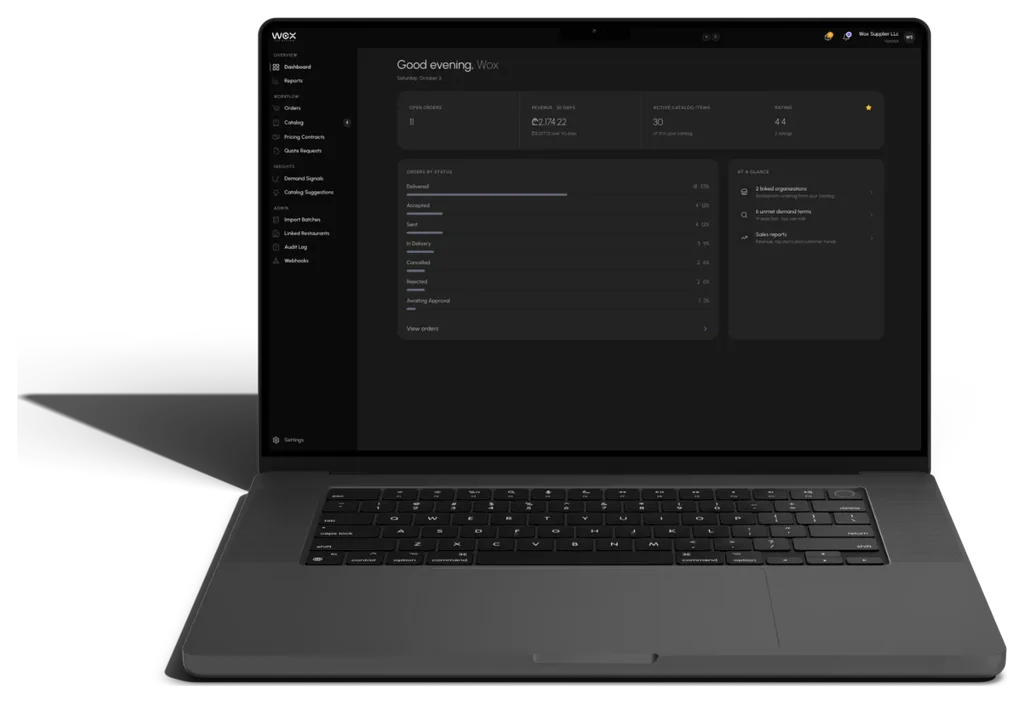
Vendor Portal
Your suppliers
Catalog uploads · Price sheets · PO acknowledgement · RFQ quotes · Webhooks
Included on every plan
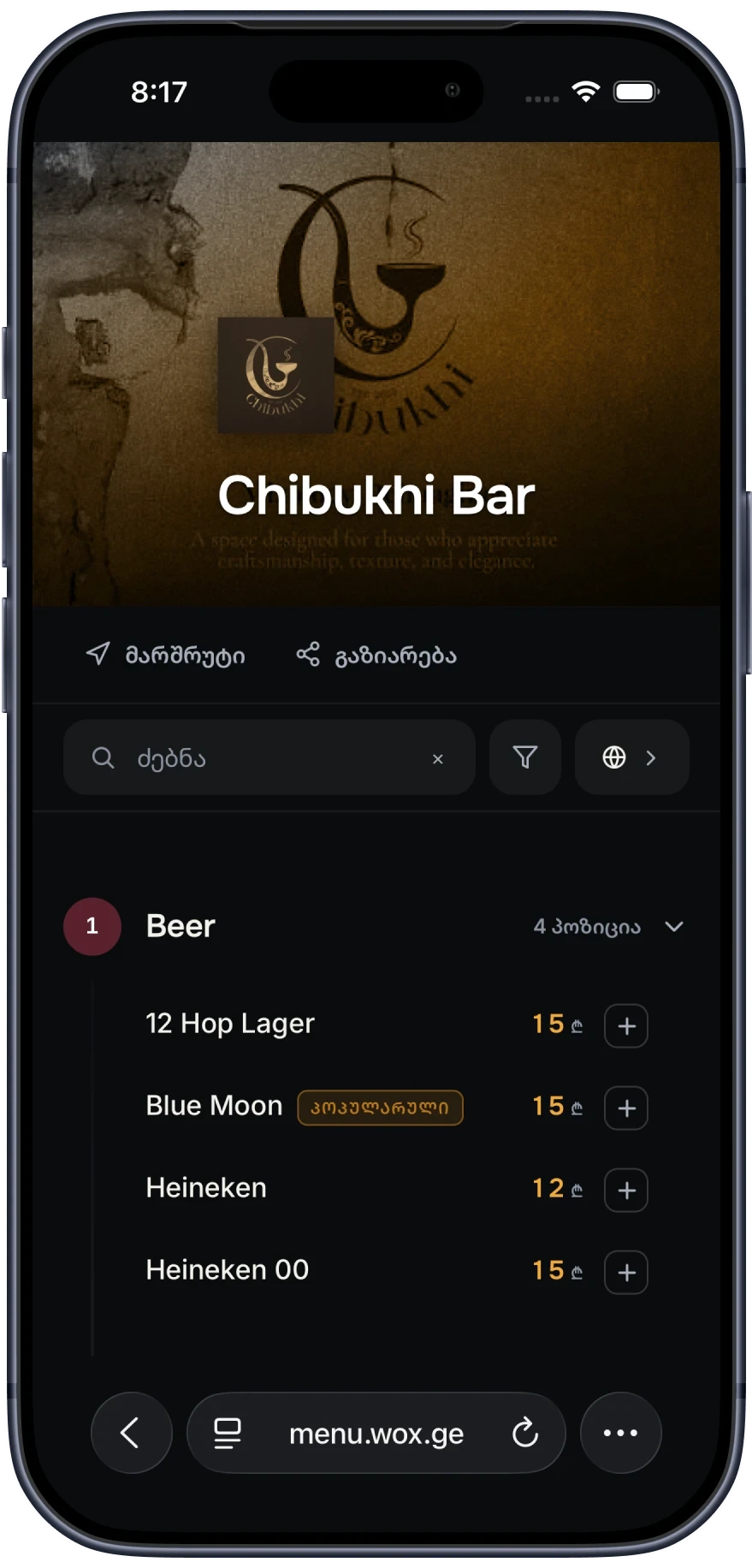
A QR menu for every table.
On us.
Built from the menu your POS already uses. No separate subscription, even on Free.
Standalone QR menu
5–39 ₾a month
With Wox
0 ₾on every plan
Always the Live Menu
Change a price in Wox and the menu updates. No PDF to re-upload.
Georgian, English, Russian
Guests switch language on the page. You pick the default.
Print-Ready QR Code
Recolor it, download a PNG, and a contrast check confirms it will scan.
Explore the Wox platform.
Each module works on its own and shares data with the rest.
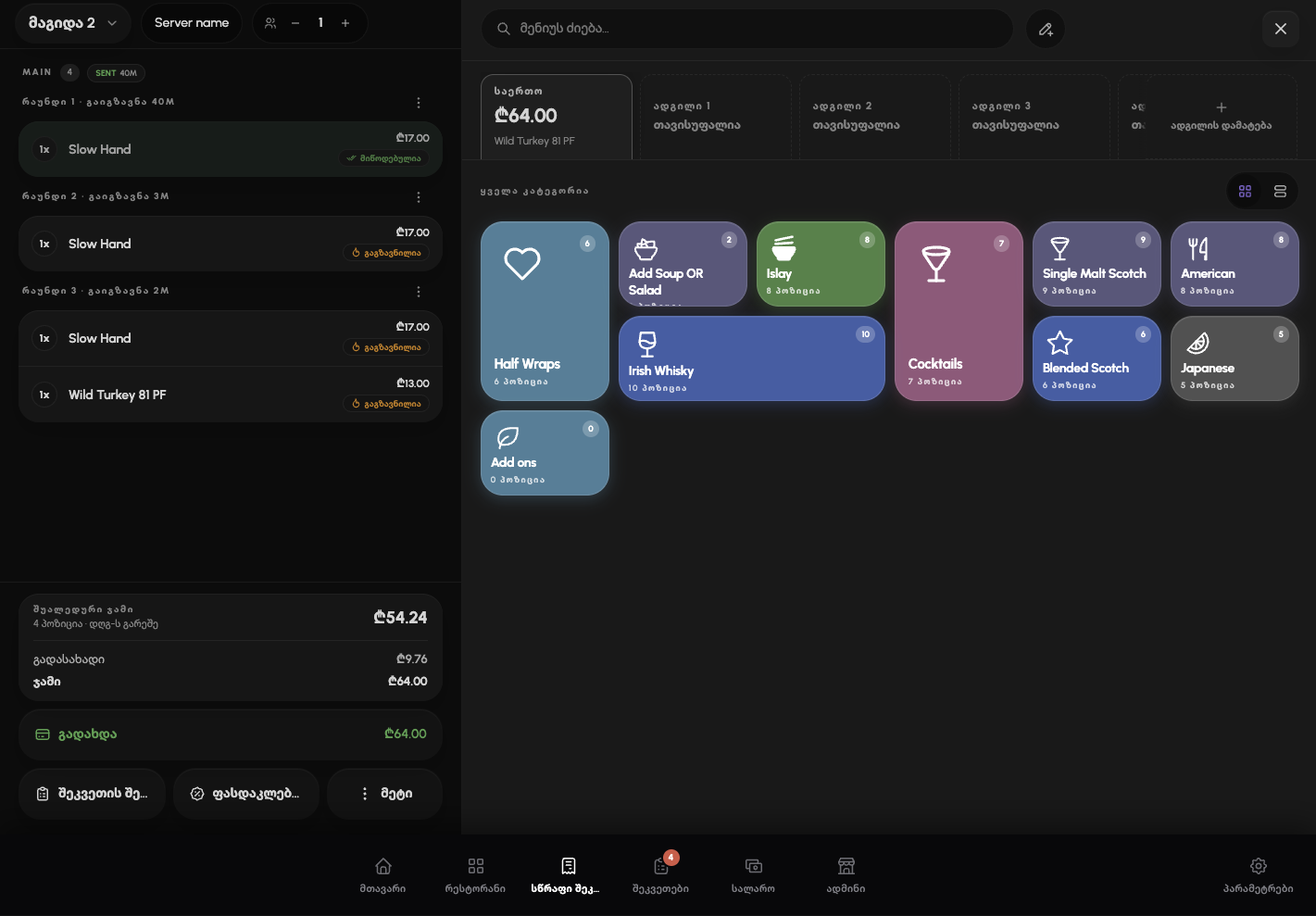
Take orders, fire courses, split checks, and deduct stock with every sale. Keeps working offline.
Explore Point of Sale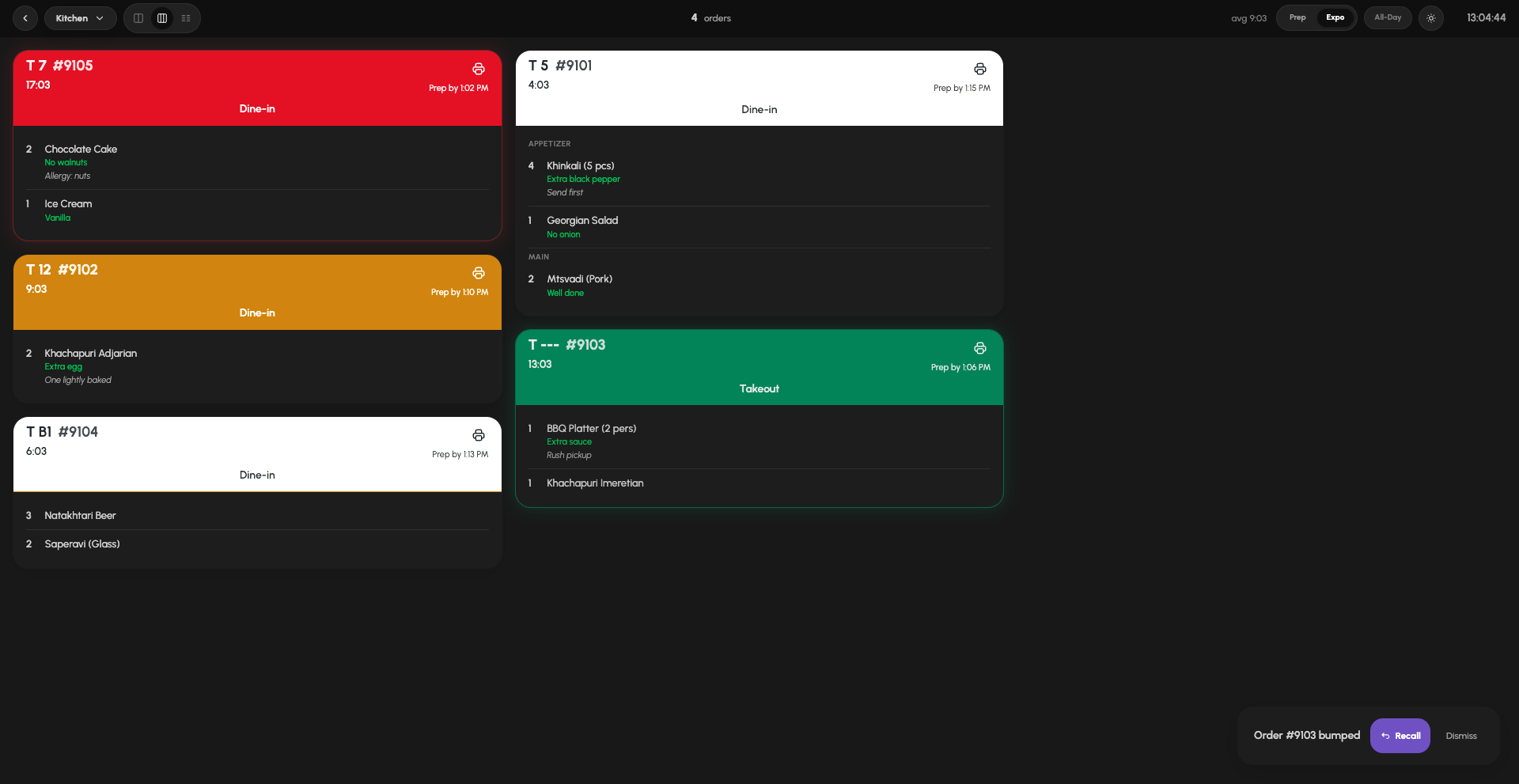
Tickets routed to the right station, with escalating timers, allergen flags, and one-tap bump.
Explore Kitchen Display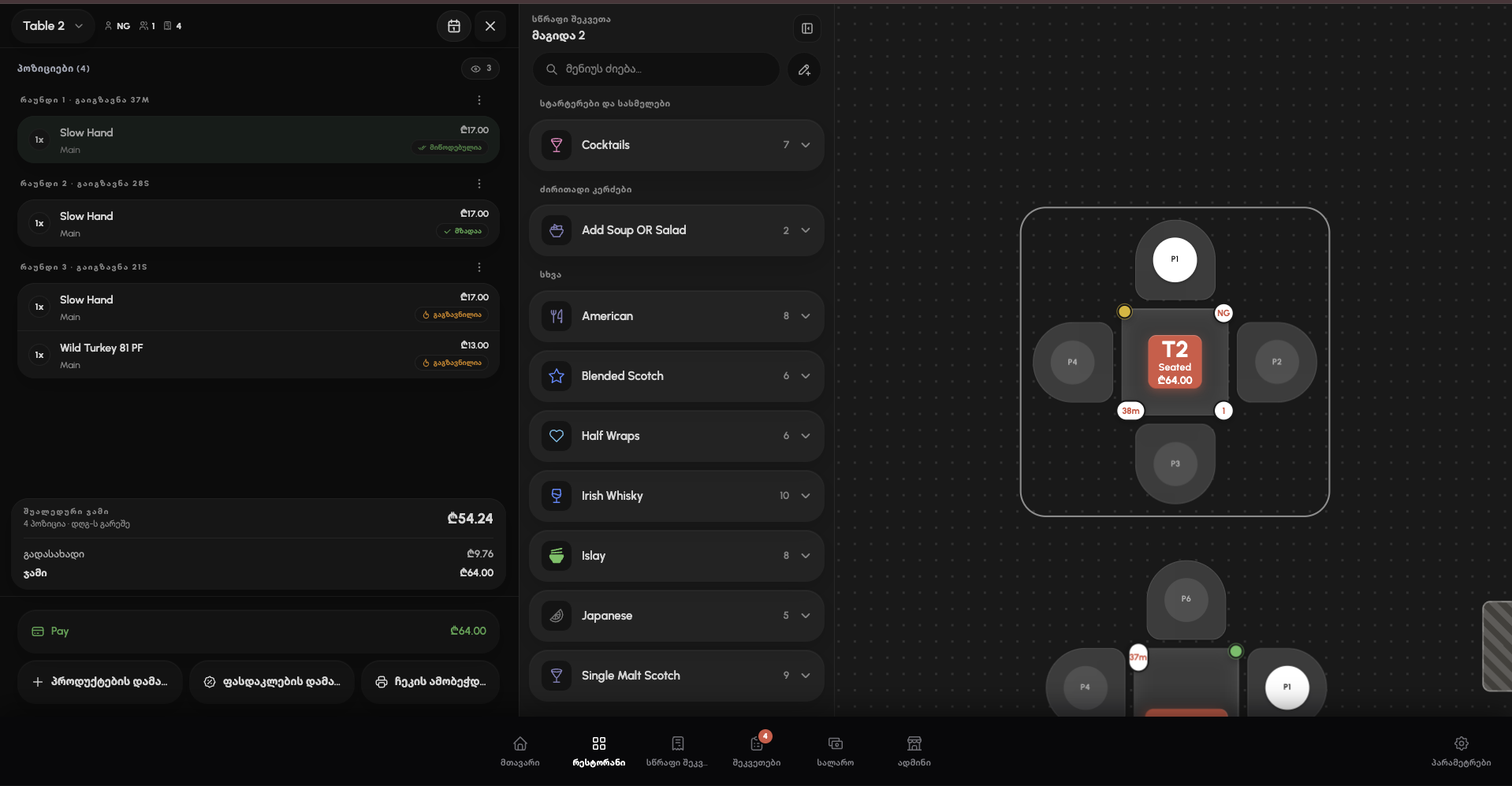
A live floor plan with table status, server reassignment, bar tabs, and split checks.
Explore Tables & Service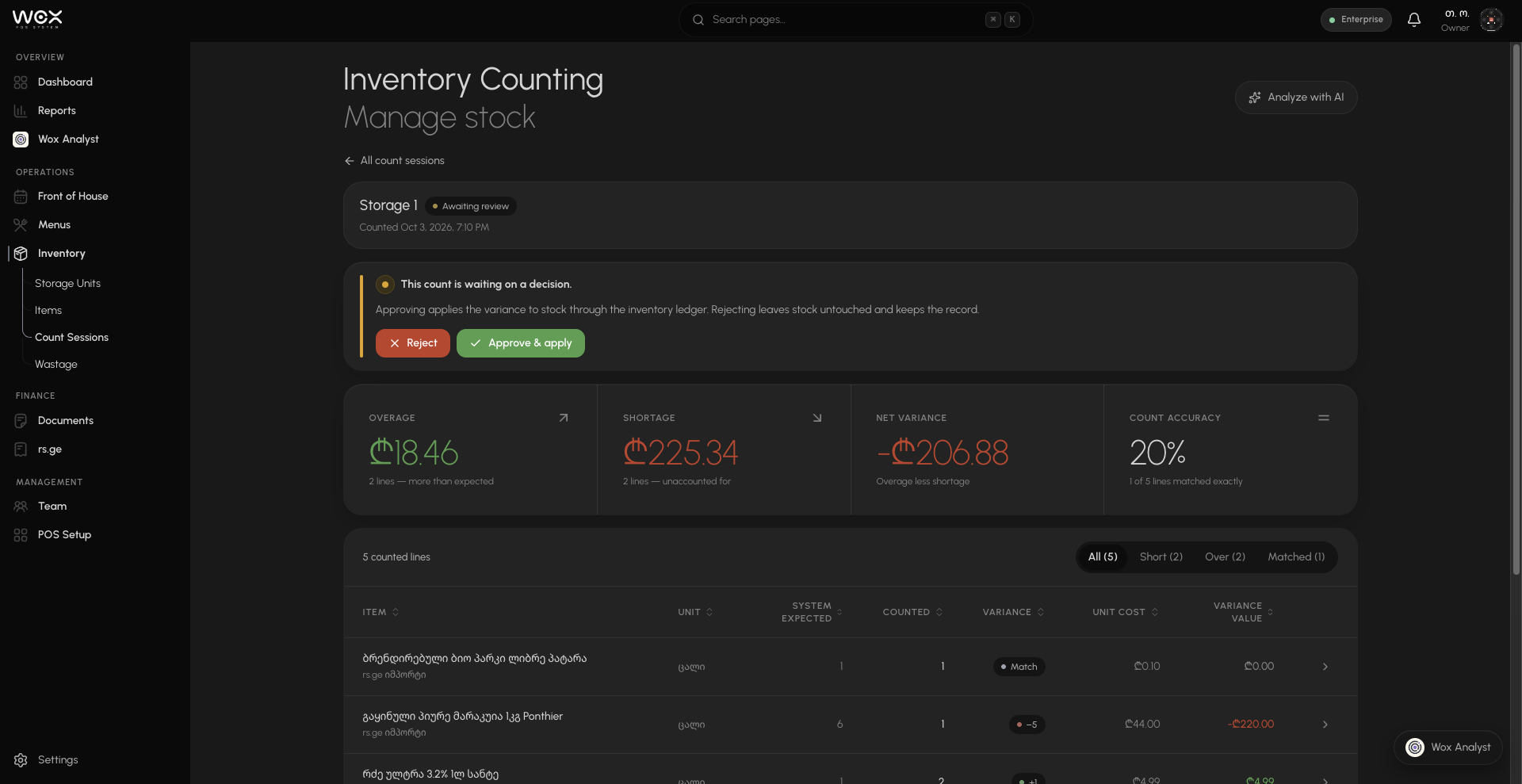
Recipes deduct with every sale, par alerts flag low stock, and waste rolls into live COGS.
Explore Inventory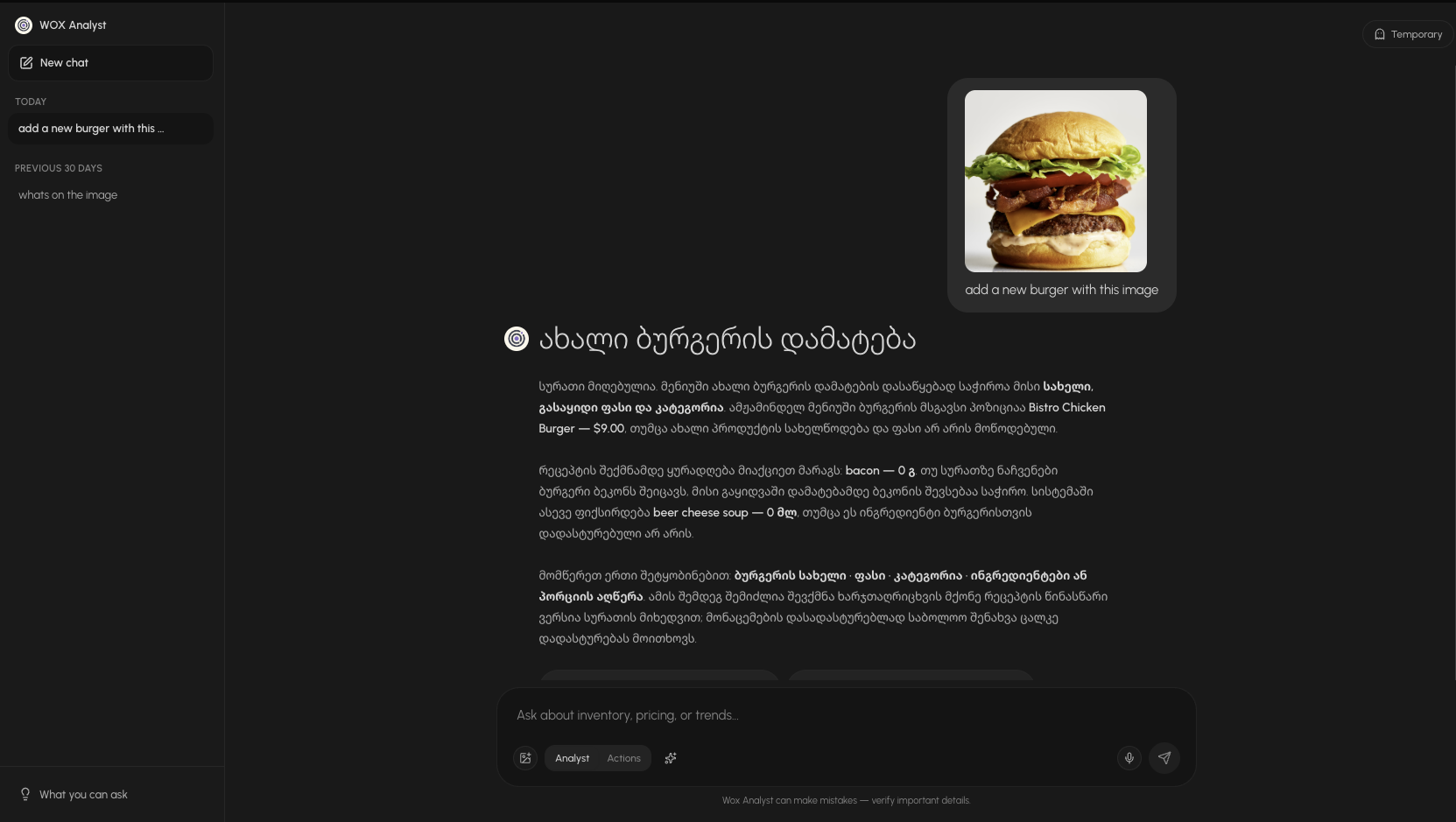
Ask in Georgian or English. Add a dish from a photo, change prices, or book a table, and confirm before anything changes.
Explore Wox AnalystAI capabilities
you'll actually use.
Wox Analyst reads your real numbers and makes changes only after you say yes.
Does the work for you
Log waste, hide a sold-out dish, or book a table. Nothing changes until you confirm.
Menu, deals and prices
Turn a dish photo into a menu item, or ask for a combo, a deal, or a new price.
Answers from your own data
Ask about waste, stock, cash, or bookings in Georgian or English.
Built for both sides
of the table.
Restaurants and suppliers on one system. A PO sent Monday is confirmed, priced, and delivered Tuesday, with no email chains.
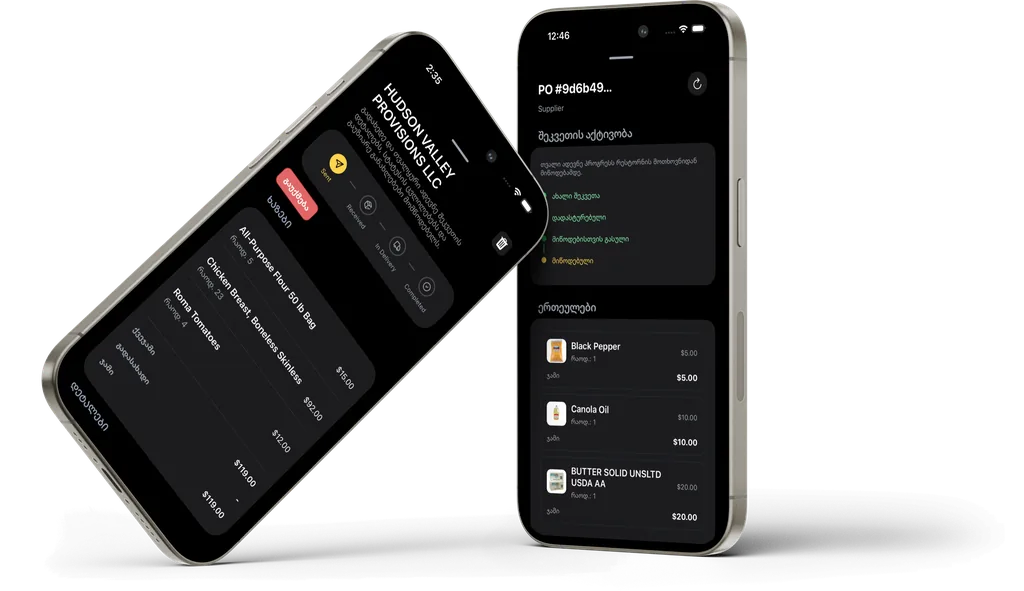
Keeps working
when the internet doesn't.
Offline-first POS that syncs every device and location the moment you're back online.
Offline-first POS
Orders and payments keep going when the internet drops.
Auto-sync
Everything reconciles within seconds of reconnecting.
One Platform
Tablets, terminals, and phones share the same data.
Local Network
Devices in the venue stay in sync over the local network.
Every brand and location.
One control center.
Marani Group
2 brands · 6 locations
Today
34,910 ₾
Kakhuri Supra
3 locations
Today
20,630 ₾
Vake
Saburtalo
Mtatsminda
Georgian Burger
3 locations
Today
14,280 ₾
Isani
Gldani
Didube
Marani Group
2 brands · 6 locations
Today
34,910 ₾
Kakhuri Supra
3 locations
Today
20,630 ₾
- VakeOpen8,240 ₾
- SaburtaloOpen6,910 ₾
- MtatsmindaOpen5,480 ₾
Georgian Burger
3 locations
Today
14,280 ₾
- IsaniOpen4,860 ₾
- GldaniOpen5,270 ₾
- DidubeOpen4,150 ₾
Centralized Control
Brands, legal entities, and franchises in one dashboard.
Instant Deployment
Push menus, prices, and device settings to every location at once.
Granular Permissions
Managers see their venue, owners the group, franchise partners their own.
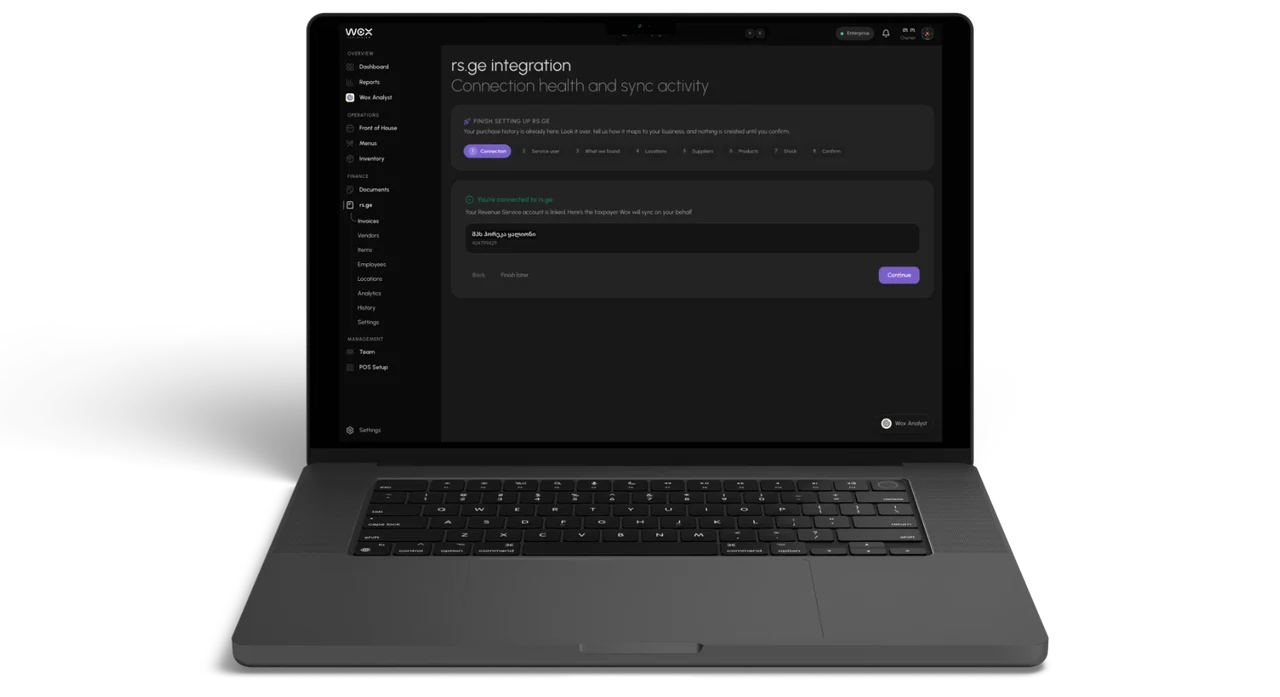
rs.ge integration
Your rs.ge waybills,
already in your inventory.
Wox reads the waybills you already file in rs.ge, 12 months back, so you never retype a delivery.
About five minutes to connect
- 1
In rs.ge, create a sub-user with the Tax Document permission.
- 2
Paste its name and password into Wox. No SMS code needed.
- 3
Wox imports 12 months of waybills and proposes vendors and items.
- 4
Review the matches, confirm, and your opening stock is in.
12 Months of History
Your vendor list, items, and price history start full, not empty.
Nothing Lands Unreviewed
Waybills arrive as draft POs. No stock moves until you confirm.
Syncs Every Night
A nightly re-check catches late-filed waybills without duplicating them.
Questions & answers

New to Wox?
Book your demo.
Built for your kind of venue
Pick yours to see the workflows that matter most.